Review page health
Use individual findings to plan a useful improvement.
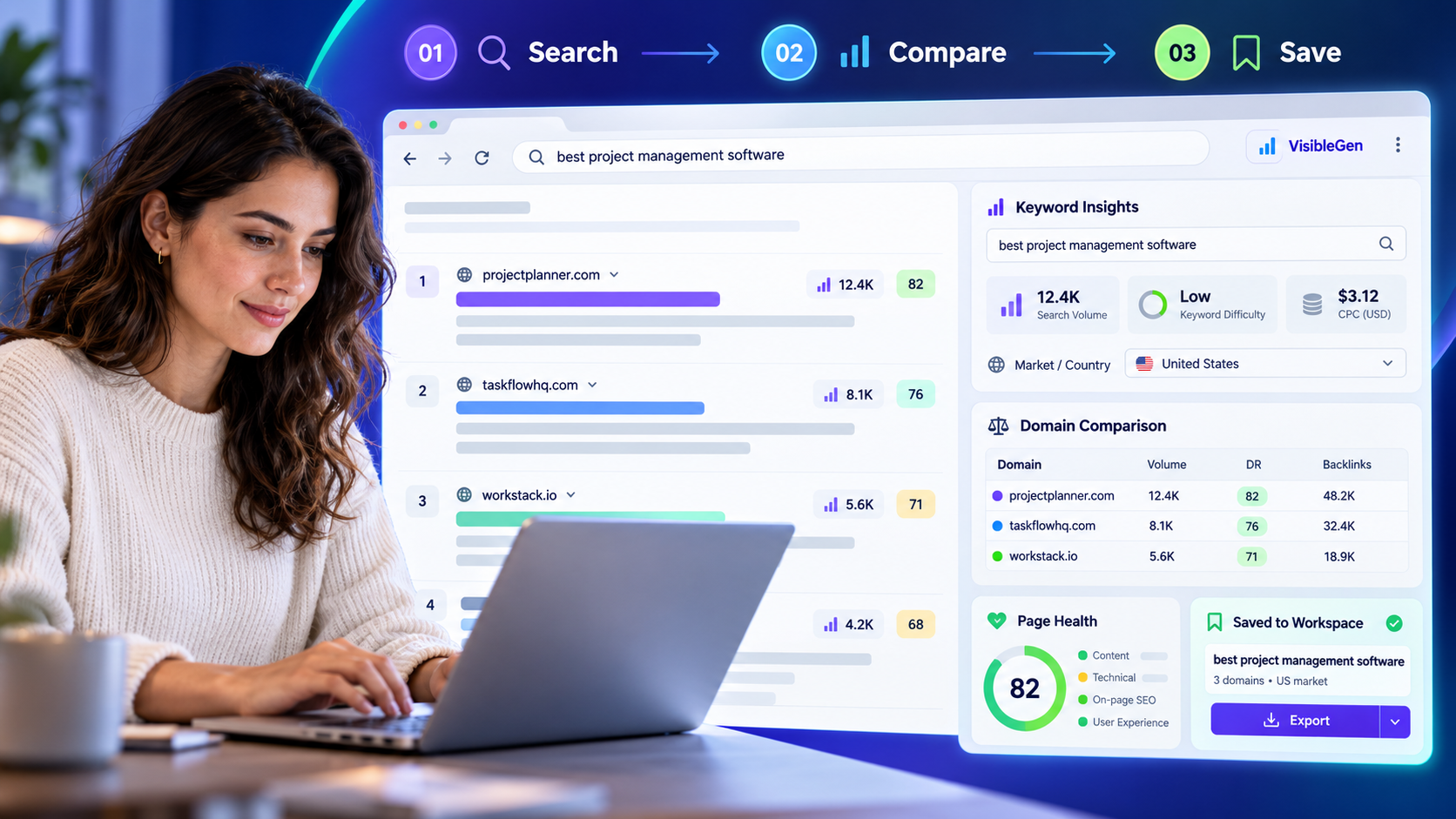
EXAMPLE BUYER PROMPT“What should I review on this page before making changes?”
- Google search84
- AI answers68
- Authority73
- Social61
Example VisibleGen workspace using demonstration data. It does not represent a customer account or a published study result.
1. Add VisibleGen to Firefox
Open the official VisibleGen Mozilla listing in Firefox. Choose Add to Firefox and read the permissions Firefox displays before confirming installation.
Open Firefox’s extensions menu and select VisibleGen. Keep the icon within reach using the toolbar options available in your Firefox version. If it does not appear, open Add-ons and themes and check that VisibleGen is enabled.
2. Choose a page you actually want to improve
Start with a public service page, product page, or article. Let it finish loading, then open the add-on. A normal website page is a better starting point than a browser settings page or a sign-in screen.
Write down the page’s job before looking at any score. For a plumber’s service page, that might be helping a nearby customer understand the service and request a quote. This keeps your review focused on the reader.
3. Review page health, then read the details
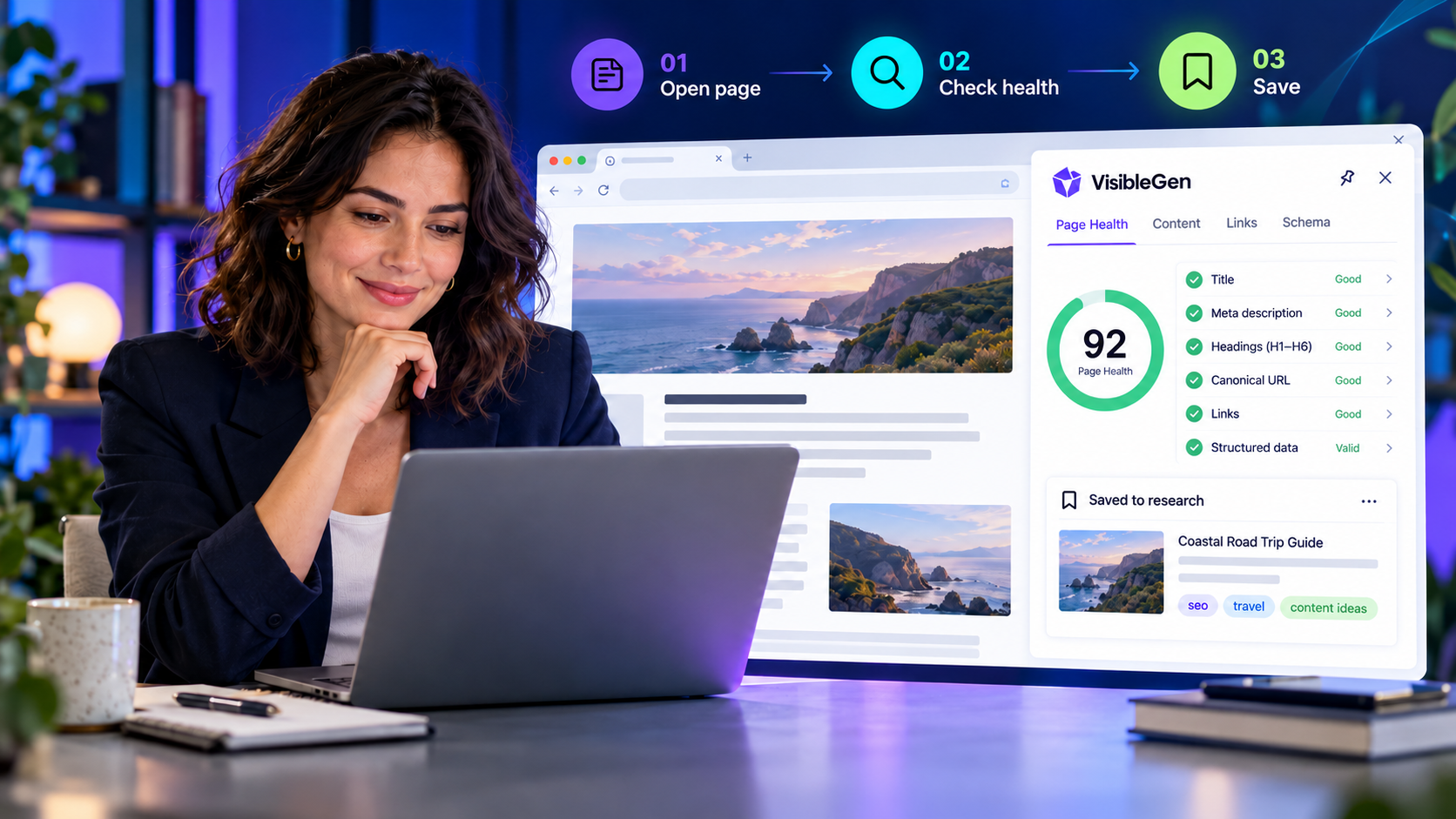
Open the page-health view. Review the available title, description, headings, canonical, robots rules, links, images, and structured data. A score can help you decide where to look; the individual finding explains what needs checking.
Read the title and description as a customer would. Do they explain the page clearly? Check whether headings describe the sections beneath them. If a canonical points somewhere unexpected, investigate why before changing it.
A missing description and an intentional noindex instruction are different situations. The first may need writing; the second may be correct for a page you do not want in search. Verify the purpose before making a change.
4. Check a finding against the visible page
Choose one finding and compare it with what is on screen. If an image appears to lack alternative text, decide whether it communicates useful information or is only decoration. If a heading looks wrong, read the surrounding section before rewriting it.
Some checks cannot see content that loads later or requires a login. Where available, use the active-page audit to review the rendered page. An unavailable value means the tool could not provide that information; it does not mean the value is zero.
5. Save useful research and plan the next step
Save a useful domain or keyword to your research collection. Review the saved items before exporting them as CSV. Keep your own short note of the page URL, the issue you checked, and the action you want to take.
For example: “The service page title names the business but not the service. Review a clearer title with the owner.” That is easier to act on than “Improve SEO.” Do not assume that a saved domain also stores every detail of an audit.
Continue with search research
VisibleGen also places research tools beside supported Google and Bing results. Choose the market that matches your audience and review available keyword and domain information. Estimates help you compare opportunities; they do not promise visits or sales.
For a search-first walkthrough, read the Chrome keyword research tutorial. Browser installation differs, while the research questions remain useful. You can also review the Firefox add-on features.
If something does not appear
The icon is missing: check Firefox’s extensions menu and Add-ons and themes. Confirm the add-on is enabled.
A search panel is missing: check the add-on’s search-panel settings and reload the supported search page. Firefox can restrict extension access on some pages.
The numbers are unavailable: try another relevant page or query and check the chosen market. Coverage varies; do not replace an unavailable field with a guess.
You have used your guest previews: guest mode includes 15 domain previews per browser each day. Connect a free account to remove that guest daily preview-count limit for connected metrics. Other research and plan limits still apply.
Finish with one useful improvement
You do not need to fix every warning at once. Pick the finding you understand, confirm it on the page, and decide who will handle it. Recheck the page after the change. A cleaner report is useful, but a clearer page for your customers is the real goal.
Install VisibleGen for Firefox and try this process on one page today.