Map visibility that keeps its location
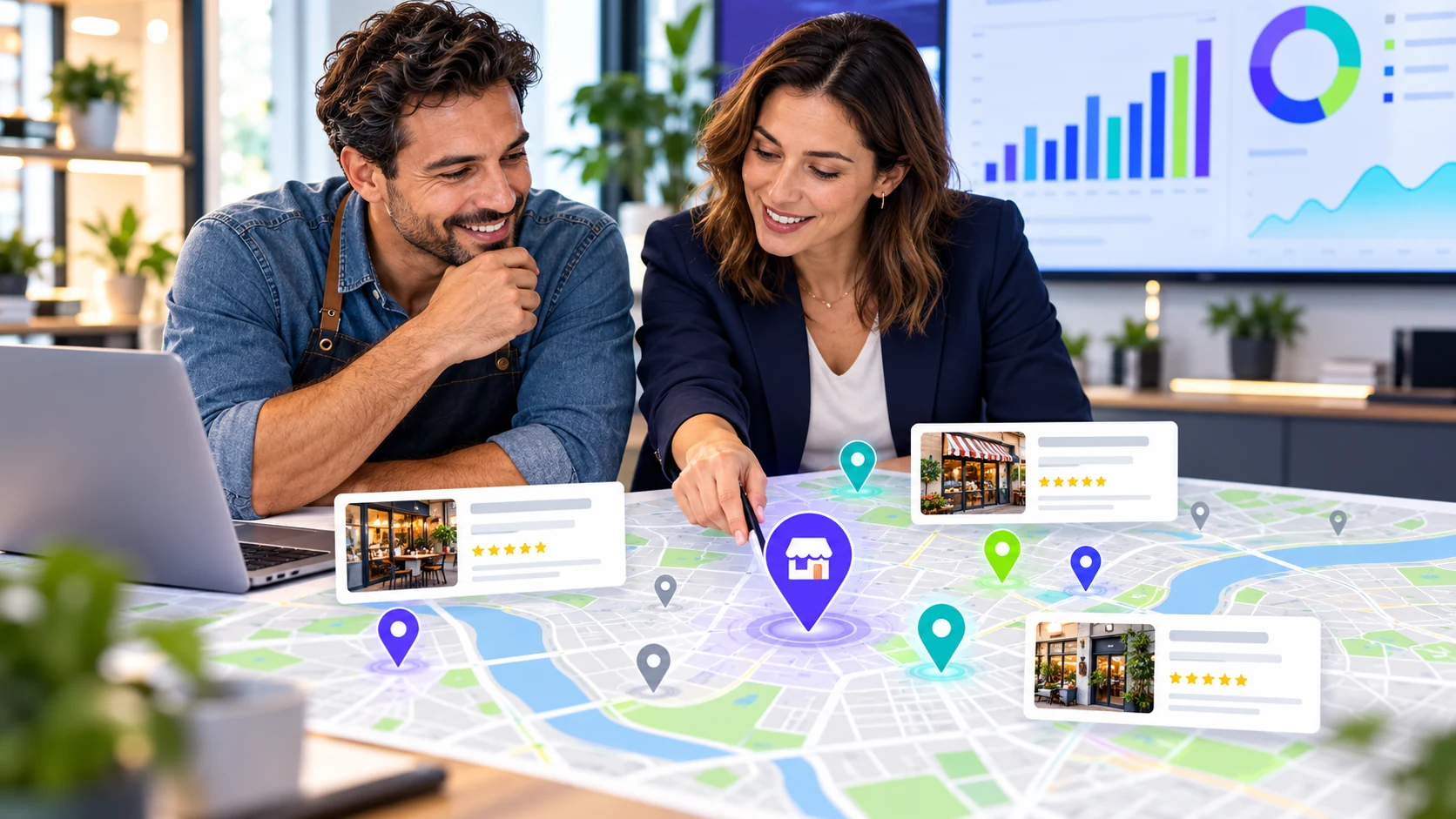
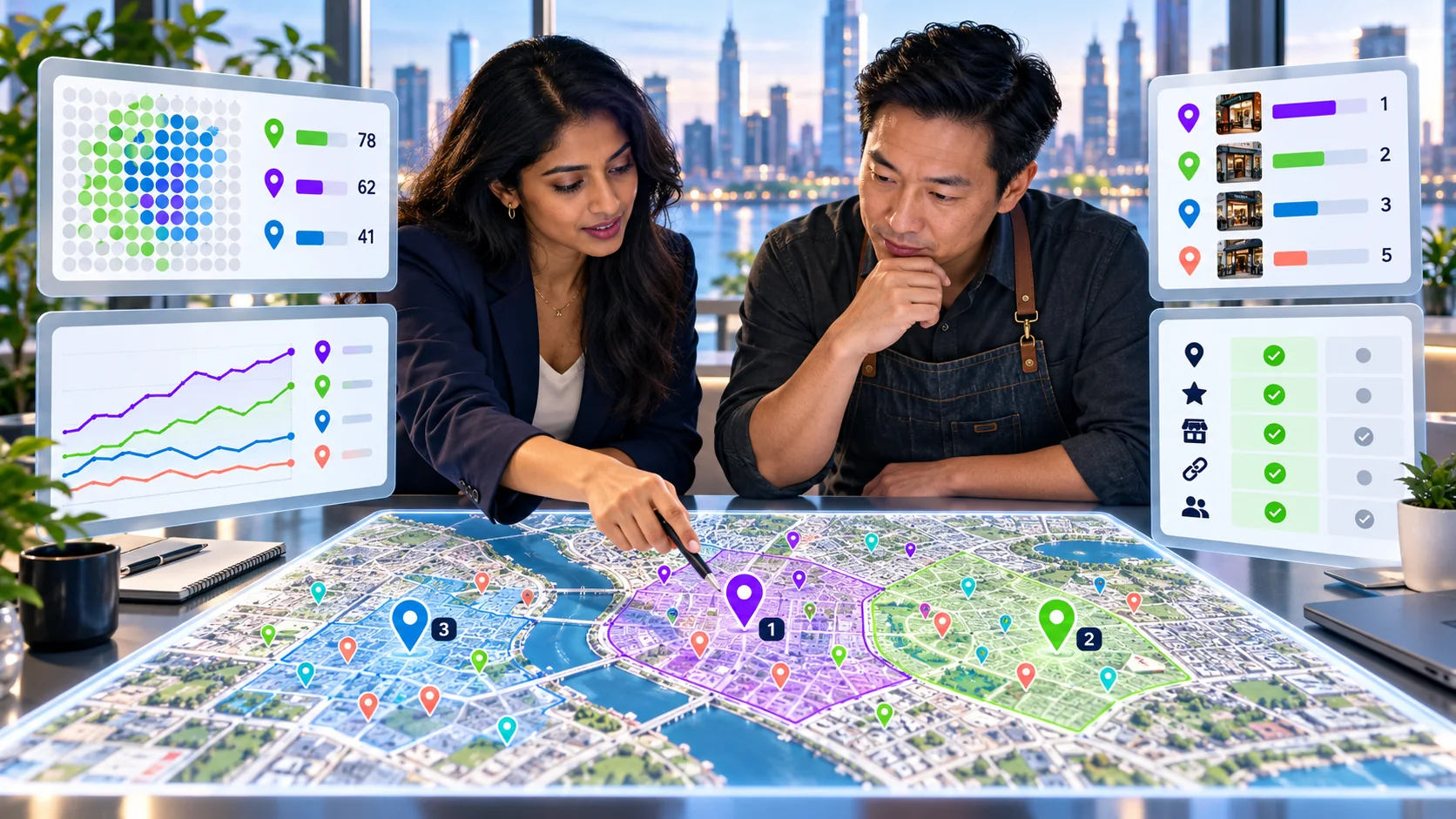
Saved checks show coverage, nearby businesses, position movement, and listing details without hiding the sample.
EXAMPLE BUYER PROMPT“Which independent opticians appear for children’s eye tests across three Manchester neighborhoods?”
- Google search84
- AI answers68
- Authority73
- Social61
Example VisibleGen workspace using demonstration data. It does not represent a customer account or a published study result.
What is a local rank tracker?
A local rank tracker checks where a business appears for selected searches from selected places. A useful tracker saves the search, location, date, and visible nearby results. It helps teams compare local visibility over time without treating one search from one phone as the complete market.
Why do Google Maps results change by location?
Local results are influenced by the search and the searcher's location. Google says local results are mainly based on relevance, distance, and prominence. A business can appear near its address and be less visible several miles away. Google's local ranking guidance
Wording matters too. “Emergency plumber,” “boiler repair,” and “heating engineer” may produce different businesses even when the customer wants related help.
A rank tracker does not reveal Google's private formula. It records what appeared under defined conditions.
Choose searches tied to real services
Begin with the services customers actually buy. Include a main service, a valuable service, an urgent problem, and a relevant local variation. Avoid hundreds of near-duplicate phrases at the start.
Keep branded and unbranded searches separate. A search for the company name tests whether someone who already knows the business can find it. A service search tests discovery before the customer has chosen a provider.
Ten carefully selected searches can teach more than a large list nobody reviews.
Choose locations that match the business
Track the business address, important neighborhoods, and genuine service areas. For a shop, focus on places customers realistically travel from. For a service-area business, choose the areas the team can actually serve.
A grid can show how visibility changes across a city, but more points do not automatically create better analysis. Use enough locations to reveal a pattern without producing a report too large to understand.
Never create false addresses or location pages for places where the business does not operate.
Build a fair baseline
Record the exact search, coordinate or area, date, device or tracking method, and businesses shown. Keep the same setup for later checks.
Save more than a position number. Record the visible business category, rating and review count when available, opening status, and the nearby competitors that appeared. This helps explain what a customer could see.
The manual Google Maps ranking check is a useful starting point before automating a larger tracking set.
Which local tracking measures are useful?
- Presence: whether the business appeared in the saved result.
- Position: where it appeared within that defined check.
- Coverage: how many selected locations showed the business.
- Competitor overlap: which nearby businesses appeared repeatedly.
- Change over time: movement using the same search and place.
- Listing accuracy: whether visible facts matched the business.
Average positions can hide important differences. A business that ranks strongly near one location and disappears elsewhere may have the same average as a business appearing consistently in the middle.
How should you interpret movement?
One change does not automatically prove an improvement or problem. Competitors update listings, reviews arrive, businesses open and close, systems change, and temporary availability can affect the result.
Look for repeated patterns across comparable checks. If visibility falls only for one service, inspect the relevant category, page, and local information. If a competitor appears across many locations, compare the facts customers can see rather than copying its keywords.
Connect important movement with real business information such as calls, direction requests, enquiries, bookings, or sales where reliable measurement is available. Do not claim that a map position alone created revenue.
Turn tracking into a short work list
Group findings into business details, categories, reviews and reputation, service and location pages, website access, and outside local references.
Fix inaccurate information first. Make services and areas clear. Improve the page linked from the listing. Add current photos and useful business information. Ask real customers for honest reviews without offering a reward for a positive rating.
Our local SEO audit checklist provides a wider review when the problem is larger than map position.
Build a report people can act on
Lead with what was checked and what changed. Show the search and place beside every important observation. Explain whether the result is a single saved check or a repeated pattern.
End with a small number of actions, each with an owner and review date. A client does not need a wall of pins without an explanation.
VisibleGen Radar brings selected map and AI-answer checks into one evidence trail for Agency and Enterprise plans. Coverage depends on the selected market, search, location, and available provider data.