Separate profile problems from ranking gaps
Verification, listing accuracy, website alignment, and location checks lead to the right next action.
EXAMPLE BUYER PROMPT“Why can customers find the shop by name but not for its main service nearby?”
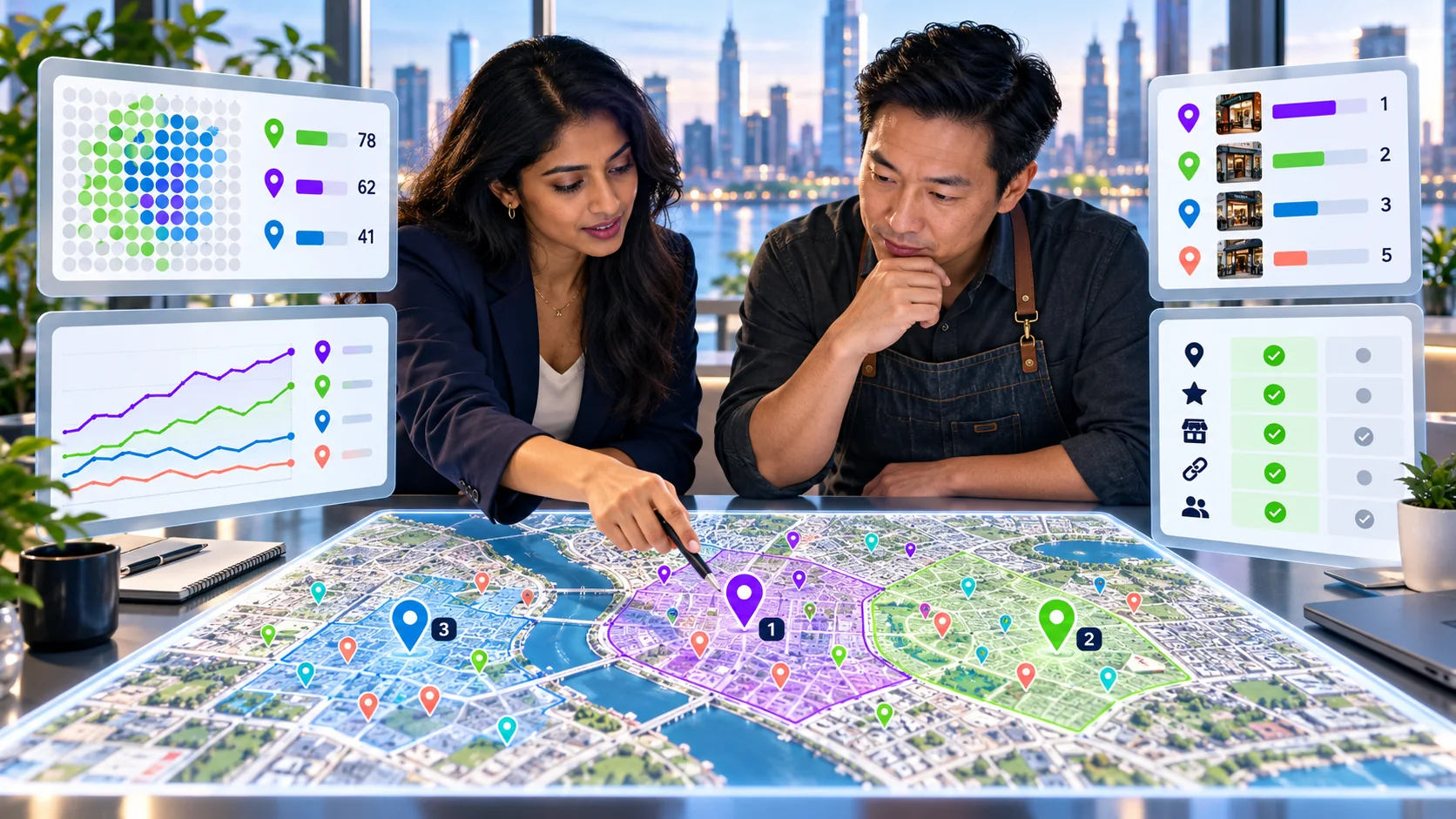
- Google search84
- AI answers68
- Authority73
- Social61
Example VisibleGen workspace using demonstration data. It does not represent a customer account or a published study result.
Why might a business be missing from Google Maps?
A business may be missing because its profile is unverified, suspended, ineligible, duplicated, inaccurate, recently changed, or difficult to match to the search. It may also appear by name but not for a competitive service search. Diagnose which problem you have before making changes.
First, test the business name and the service separately
Search the exact business name and town. Then search for the service a new customer would use. If the business appears by name but not by service, the profile probably exists; the issue is discovery or competitiveness rather than complete absence.
Test from more than one realistic place. Local results can change with distance. Save the search, location, and date so the comparison is fair.
The 12 checks
1. Confirm the business is eligible
A Business Profile should represent a real business that meets customers in person or travels to serve them under Google's rules. Online-only brands and lead-generation pages may not qualify. Review the current guidelines before creating or changing a profile.
2. Check verification status
Open the Business Profile account and confirm that verification is complete. If Google requests another verification step after a major change, follow the instructions shown in the account.
3. Look for a suspension or restriction
A suspended profile may disappear or lose management features. Read the reason shown, correct policy problems, and use the official appeal process. Do not create a replacement profile to avoid a suspension.
4. Check the business name
Use the real-world name customers see. Do not add services, locations, or promotional phrases that are not part of the business name.
5. Check the address or service area
Use an accurate address when customers visit the location. Service-area businesses should configure the profile according to the rules and avoid presenting a private or ineligible address as a public storefront.
6. Choose the most accurate primary category
The primary category should describe the main business, not every service it could provide. Add relevant secondary categories only when they accurately apply.
7. Look for duplicate profiles
Search the name, phone number, and address. Old or duplicate listings can confuse customers and split important information. Use the proper merge, removal, or support route rather than changing details randomly.
8. Confirm hours, phone, and website
Incorrect hours or a broken phone number can make the profile less useful. Make sure the website loads and the linked page clearly represents the same business and location.
9. Make the website match the listing
The website should clearly state the business name, main services, contact details, and genuine locations or service areas. Conflicting names or addresses create uncertainty.
10. Check whether recent edits are still processing
Large changes can take time to review and appear. Record what changed and avoid repeatedly editing the same field while a review is pending.
11. Review relevance, distance, and prominence
If the profile is accurate but missing from broad service searches, the result may reflect competition, distance, relevance, or prominence. Google explains these as the main groups behind local results. Read Google's local ranking guidance.
12. Check for a wider Google or website problem
If several profiles or pages disappear at once, check official service status and Search Console. A website blocked from indexing or returning server errors can reduce the information available, although the map listing and website are separate systems.
What should you improve after the profile is visible?
Complete accurate business information, keep hours current, add useful photos, explain services clearly, and earn honest customer reviews. Build location pages only for real places or service areas where the page can provide unique helpful information.
Compare the businesses that appear for important service searches. Look at categories, customer information, websites, reviews, and local references. Do not copy names, descriptions, or pages.
What should you avoid?
- Do not create false addresses or duplicate profiles.
- Do not add keywords to the business name unless they are genuinely part of it.
- Do not buy reviews or reward only positive feedback.
- Do not make several important edits at once without recording them.
- Do not promise that one correction will produce a particular rank.
Track the recovery clearly
Save the original problem, profile status, actions taken, dates, and later checks. If the listing returns, confirm that business facts are correct before judging service-search visibility.
Continue with the local SEO audit and the local rank tracker guide when the listing is active but customers still struggle to find it.
VisibleGen's Google Business Profile Analytics and Map Rank Tracker help teams keep local observations and follow-up work together.