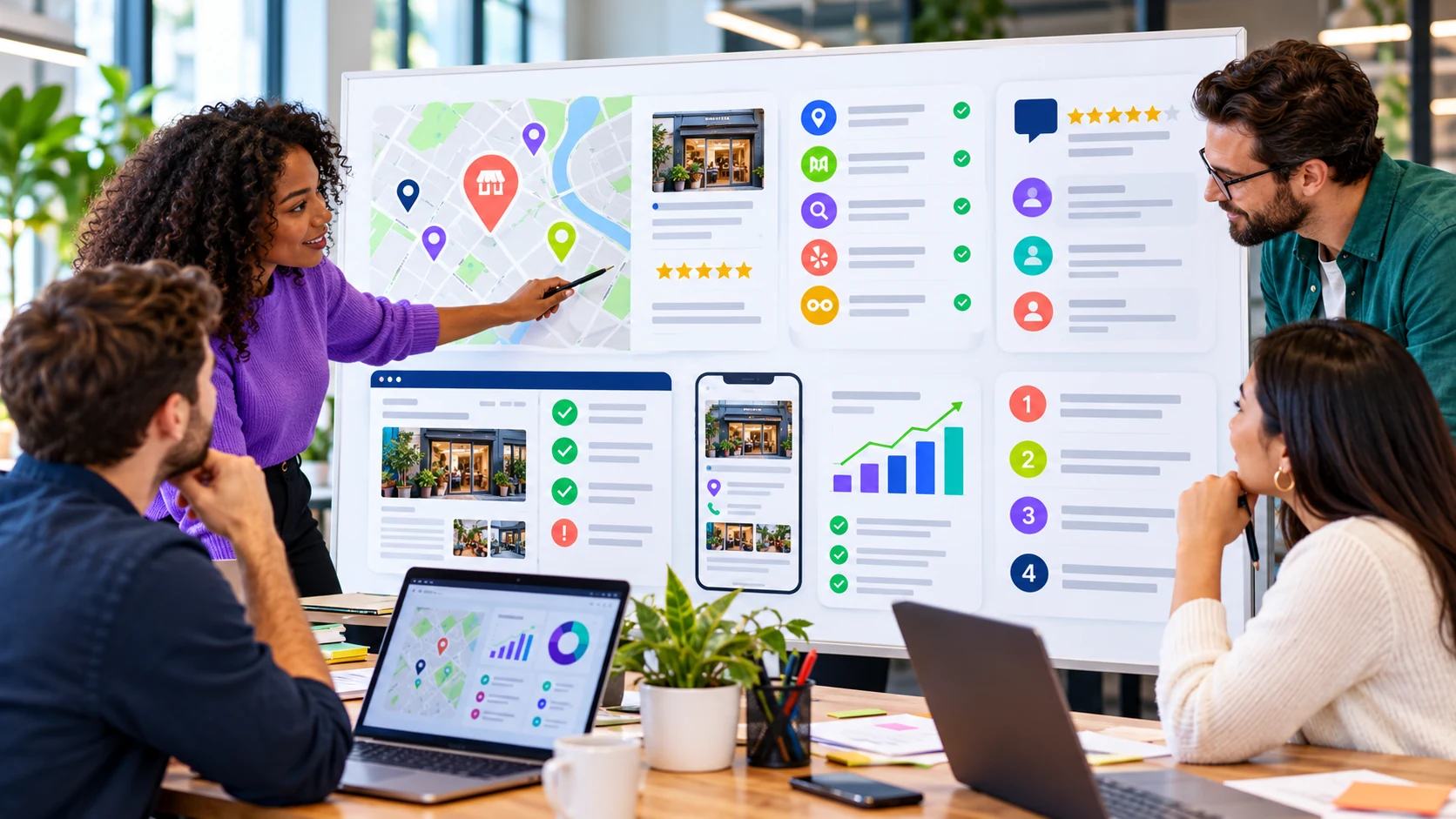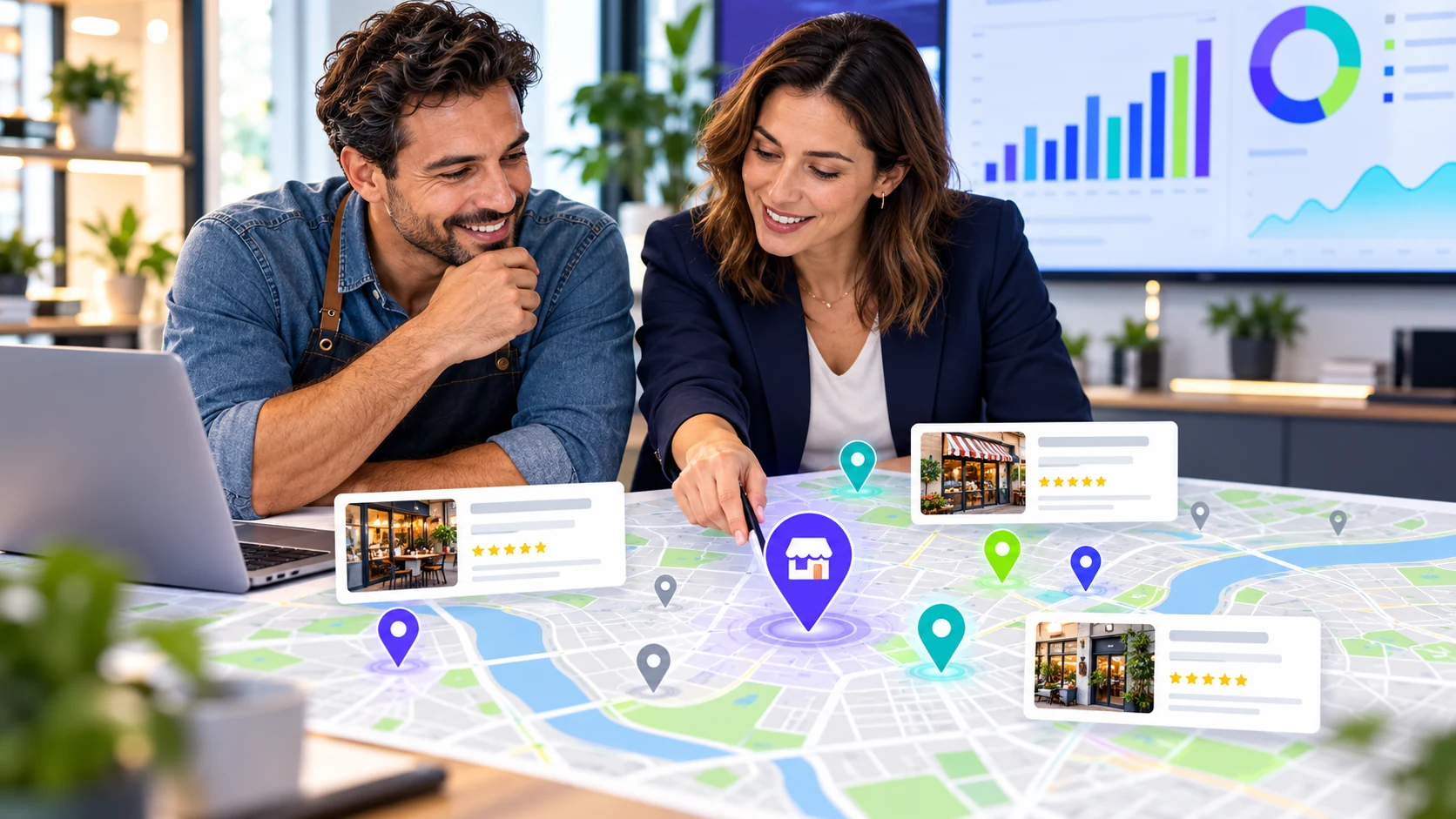
Review the local result clearly
Map appearance, nearby businesses, and listing details are shown as separate observations.
EXAMPLE BUYER PROMPT“Which independent pet shops near Ichhra sell birds and feed?”
- Google search84
- AI answers68
- Authority73
- Social61
Example VisibleGen workspace using demonstration data. It does not represent a customer account or a published study result.
The short answer
To check your Google Maps visibility, search for the services customers buy from you, use the areas you serve, and record which businesses appear. Searching your own business name only proves Google can find you when someone already knows you. One search from your own phone is not enough because location, wording, and personal settings can change what you see.
Search the way a customer searches
Customers search for a need, not a company name. They type “emergency plumber near me,” “family dentist in Austin,” or “pet shop in Lahore.”
Make a short list covering your main service, your most valuable service, and one urgent problem you solve. Add the areas you really serve. Ten useful searches are better than one hundred vague ones.
Check from more than one place
Map results can change from one neighborhood to the next. A business may appear near its shop and disappear a few miles away. That is not always a problem. Google says local results are mainly based on relevance, distance, and prominence. Read Google’s local ranking guidance.
Each time you check, write down the search, place, and date. Keep them the same next time. If all three change, you cannot tell whether your visibility improved or the test changed.
| Search | Place | Date | Your position | Nearby businesses |
|---|---|---|---|---|
| Your main service | Your closest market | Check date | Record what appeared | Save the names shown |
| Your valuable service | Second service area | Check date | Record what appeared | Save the names shown |
Look beyond your position
Your position matters, but it is not the whole story. Open the listings that appear and compare what customers can see: category, opening hours, service area, phone number, website, photos, reviews, and recent updates.
Then visit the websites of the businesses above you. Can a customer see what they offer within a few seconds? Do their service pages answer the question behind the search? Is their location clear?
A worked example from one saved check
On October 22, 2026, a saved Radar check asked ChatGPT about bird and pet shops in Ichhra, Lahore. The answer named four businesses. We have anonymized them as Shop A–D.
| Shop | Rating shown | Reviews shown | How the answer described it |
|---|---|---|---|
| Shop A | 5.0 | 15 | Suggested as a first stop for buying birds |
| Shop B | 4.5 | 46 | Suggested for bird seed and feed |
| Shop C | 5.0 | 2 | Presented as an option to compare |
| Shop D | No rating shown | 0 | Presented as a lead to verify |
The answer gave different reasons for each recommendation. Shop A had a clear street address. Shop C had a high rating from only two reviews, so the answer described the support as limited. Shop D had no confirmed address in the answer.
This is one answer from one service at one time. It does not establish a universal ranking for the area. It shows the kind of information a customer may receive when asking that question.
Fix the basics first
- Use the same business name, address, and phone number on every important profile.
- Choose the most accurate primary category.
- Keep opening hours current, including holiday hours.
- Link to a page that clearly explains the service.
- Add useful photos of the business, team, work, or location.
- Ask real customers for honest reviews without offering a reward for a positive comment.
Change one important detail at a time, record it, and give platforms time to update.
Make your website match your listing
Your map listing and website should tell the same story. If the listing says you provide commercial cleaning in Manchester, the website should make that service and area easy to find.
Use a clear contact page and explain services in the words customers use. If you have several real locations, give each one a useful page with its own address, hours, contact details, and local information. Skip thin city pages that repeat the same paragraph with a different place name.
Track changes fairly
Local results move as competitors update listings, new businesses open, and reviews arrive. Check the same small set of searches and places regularly. Save what appeared, when it appeared, and what changed between checks.
VisibleGen Radar brings selected local searches and AI answer checks into one reviewable report. Radar is available with Agency and Enterprise. Coverage and results depend on the search, location, provider availability, and the public information found during the check.
What to do next
Choose five customer searches and three areas. Record what appears, then fix the clearest gap in your business details first.
Continue with the local SEO audit checklist or learn why competitors may appear before you.