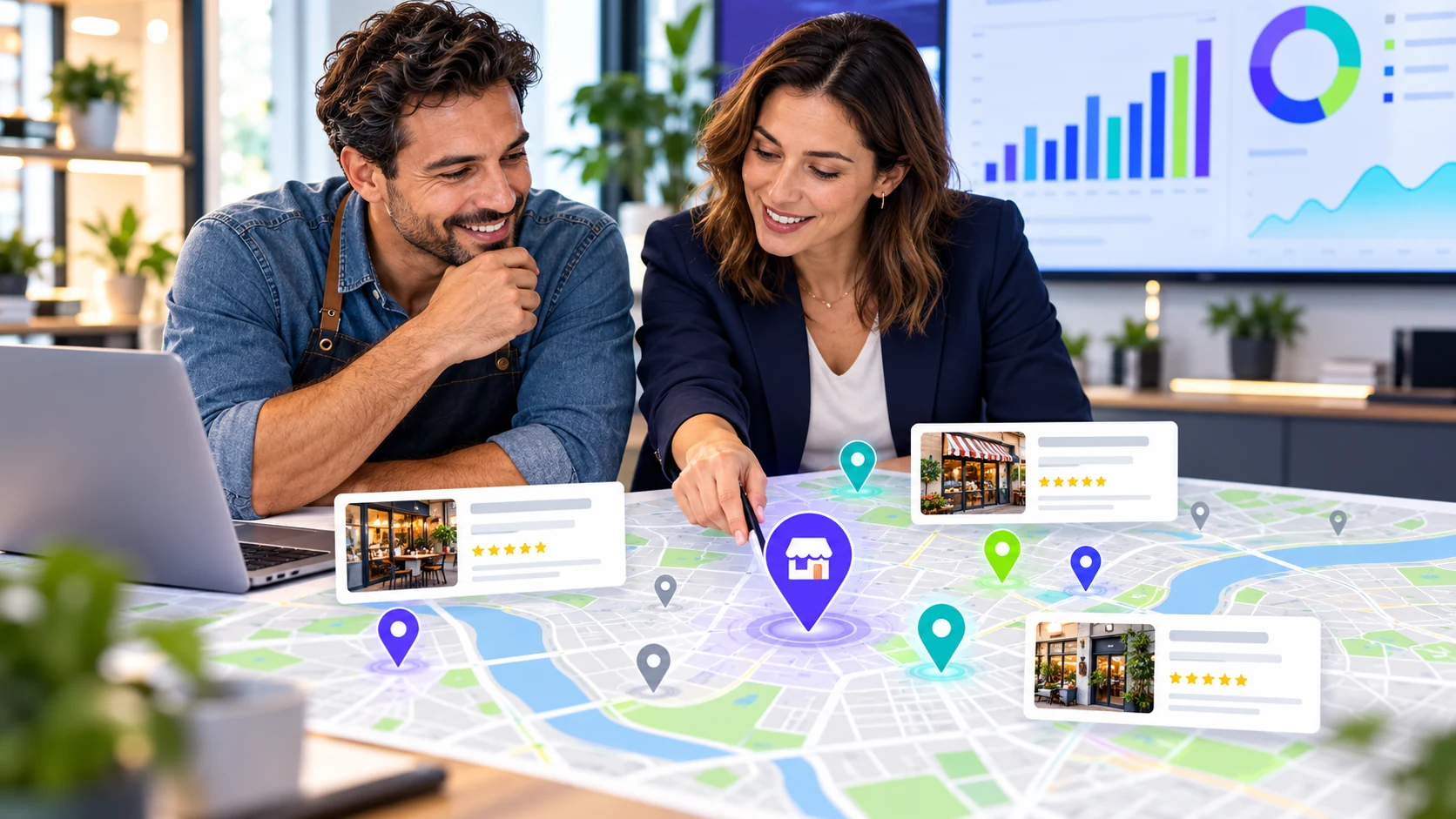
One audit, ordered by urgency
Business details, discovery checks, pages, and sources lead to a named owner and review date.
EXAMPLE BUYER PROMPT“Can customers find accurate details for this service and location?”
- Google search84
- AI answers68
- Authority73
- Social61
Example VisibleGen workspace using demonstration data. It does not represent a customer account or a published study result.
The short answer
A local SEO audit checks whether your business details are correct, whether customers can find you for useful searches, whether your website supports those searches, and whether AI answers describe you accurately. It should end with a short, ordered work list rather than a large report nobody uses.
You do not need to audit everything in one day. Start with the facts that could confuse a customer.
Step 1: Check your business facts
Write down the correct business name, address, phone number, website, hours, service areas, and main category. Compare them across your website, Google Business Profile, directories, social pages, and industry listings. Mark each item as correct, wrong, missing, or uncertain.
Step 2: Review your listing as a customer
Are the hours current? Does the phone number work? Does the website link reach the right page? Are the photos useful? Does the category match the work you want to be known for?
Read recent questions and reviews for repeated confusion about parking, appointments, service areas, or delivery. Answer useful questions in the listing and website.
Step 3: Check customer searches
Choose searches based on real services and places, not your business name. Record which businesses appear and whether yours is present. Repeat for each important area. Treat every result as a dated snapshot.
Use the Google Maps visibility guide to keep the checks consistent.
Step 4: Review the website pages behind the listing
Check the homepage, main service pages, location pages, about page, and contact page. A customer should understand what you do, where you work, how to contact you, and what happens next.
Look for old addresses, broken forms, vague descriptions, and location pages that offer no useful local information.
Step 5: Check AI answers
Use a small, stable set of unbranded questions. Save each full answer and the visible sources where available. Note whether your business was mentioned, described correctly, recommended, or cited.
A missing mention is one observation, not proof that the business is invisible everywhere. Follow the AI visibility tracking guide for a careful method.
Step 6: Review reviews and public proof
Read recent reviews for your business and nearby alternatives. Look for themes customers care about: speed, expertise, reliability, access, and value. If a weakness keeps appearing, treat it as a business issue before turning it into a marketing claim.
Ask real customers for honest reviews without offering rewards for positive comments.
Step 7: Check the sources people trust
Search your business name and main services. Review useful directories, local publications, association profiles, and partner pages. Correct old information and look for places where a genuine contribution or partnership makes sense. Skip listings that exist mainly to sell links.
Step 8: Build a work list you can finish
| Issue | Why it matters | Owner | Review date |
|---|---|---|---|
| Wrong facts | May mislead customers | Name one person | Set a date |
| Broken enquiry path | Can stop a customer contacting you | Name one person | Set a date |
| Missing service information | Makes the offer harder to understand | Name one person | Set a date |
Work in this order: wrong facts, broken enquiry paths, missing information for valuable services, public proof, and longer-term improvements.
A worked example: what one audit found
The saved Ichhra answer exposed three items worth reviewing: one business had no confirmed address in the answer, one appeared under a different name in a cited listing, and another had a 5.0 rating based on only two reviews.
The address and name should be verified and corrected where needed. Building genuine review depth takes time and should never be treated as an instant fix.
VisibleGen Radar brings selected local and AI checks from steps 3 and 5 into one report. Radar is available with Agency and Enterprise. It helps teams inspect the result; it does not replace the wider audit or guarantee visibility.
What to do next
Audit one location and one important service. Fix the top three verified issues, then repeat the same checks to see what changed.