A report clients can inspect
Local checks, AI answers, completed work, limits, and next actions remain easy to verify.
EXAMPLE BUYER PROMPT“What did we check, what appeared, what changed, and what should happen next?”
- Google search84
- AI answers68
- Authority73
- Social61
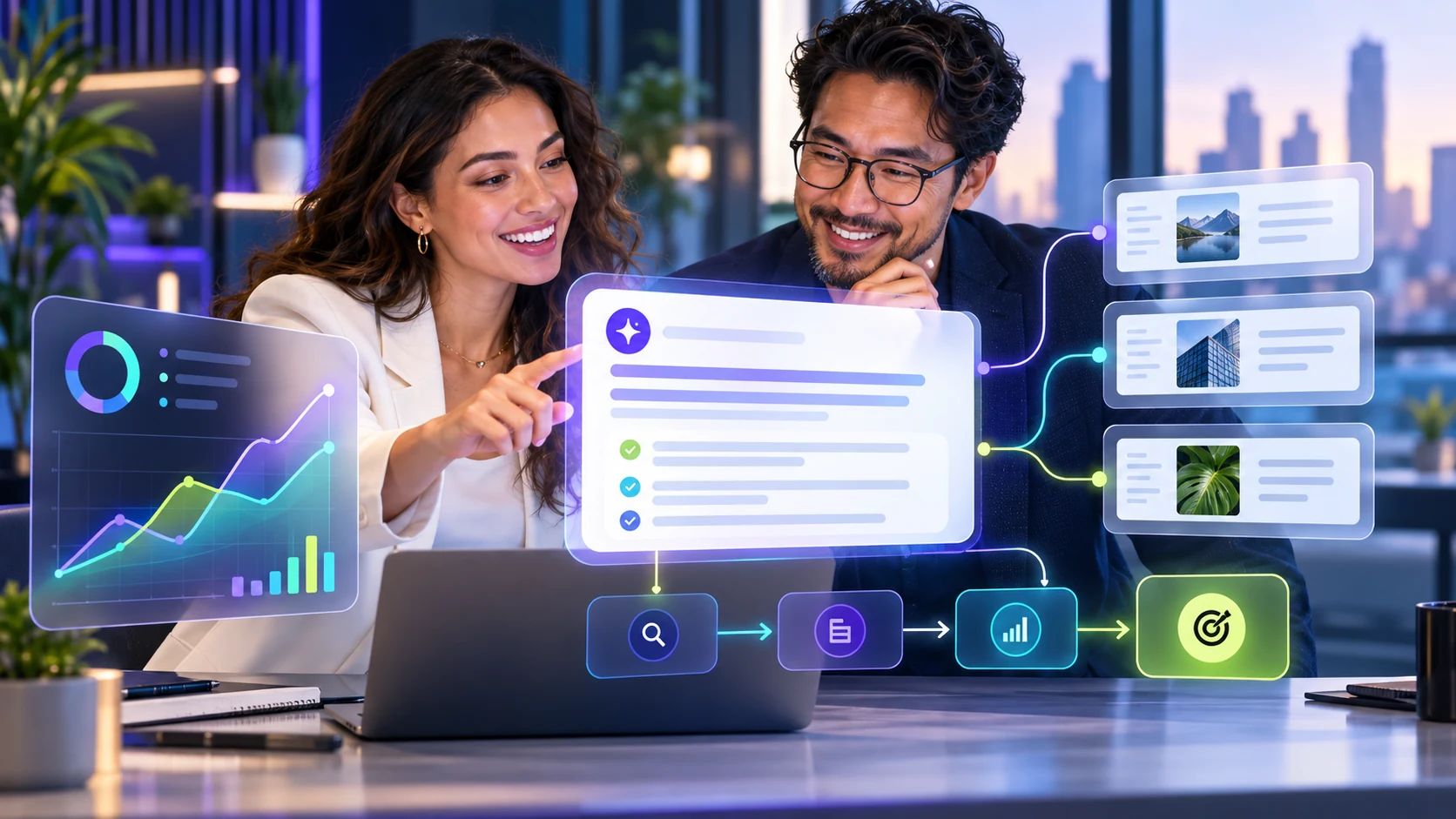
Example VisibleGen workspace using demonstration data. It does not represent a customer account or a published study result.
The short answer
A good visibility report shows what was checked, what appeared, what the agency changed, and what should happen next. Keep local results, AI answers, website work, and business outcomes separate. This gives clients a clear story without turning a small sample into a large claim.
Clients do not need another dashboard tour. They need answers to five questions: What did we check? What did we find? What did we change? What happened afterward? What should we do next?
Start with the client’s business question
Begin with the decision the client faces: “Are customers finding the new clinic location?” or “Does the brand appear when buyers ask AI services for suitable providers?”
Write one short paragraph with the main finding, then show the checks that support it.
State exactly what was checked
List the searches, places, dates, AI providers, and websites included. If the review covered ten questions in two cities, say so. Do not present it as the whole market.
Record failed checks separately. A technical failure is not the same as a completed answer that did not mention the brand.
Keep each kind of visibility separate
| Measure | What it means | What it does not prove |
|---|---|---|
| Map appearance | The business appeared in selected nearby searches | That every nearby customer saw the same result |
| AI mention | An answer named the business | That the business was recommended |
| AI recommendation | An answer presented it as a suitable option | That a customer visited or bought |
| Citation | An answer referred to a source or page | That the citation drove a visit |
| Enquiry or sale | A recorded business action occurred | That one visibility change caused it |
Show the original result
Clients should be able to inspect the search or answer behind a summary. Keep the question, date, place, answer, and available sources near the claim. For Maps, show the selected area and search. For AI answers, preserve the full wording where the collection method and provider rules allow it.
A client-ready summary from one saved check
What we checked: one unbranded customer question, one AI provider, and one area on October 22, 2026.
What appeared: the client example, Shop A, was presented first among four named businesses. The answer displayed 12 sources, mostly map listings. None of the four businesses’ own websites appeared among those citations.
What this supports: in this saved answer, public listing sources supported the result while the business website was not cited.
Next review: verify the listing details, improve the service page, and continue earning genuine customer reviews.
This wording stays close to what the saved answer shows. It does not claim that the listing caused the position or that a website change will guarantee a future citation.
Show the work your agency completed
List the work completed during the period with an owner and date: corrected details, improved service pages, repaired links, updated location information, or relevant coverage earned.
Use careful language. “Visibility improved after the update” may be an accurate observation. “This update caused every improvement” usually needs stronger proof.
End with clear next steps
Give three to five actions. Add a reason, owner, and review date to each. Examples include correcting conflicting holiday hours, improving a service page that misses common buying questions, or asking operations to investigate repeated response-time complaints.
Keep the first page simple
- What changed
- Why it matters
- What the agency completed
- What remains unclear
- The next decision
Put detailed search lists and source records later in the report. The client can inspect them without being forced to read them first.
Use Radar as a shared starting point
VisibleGen Radar is available with Agency and Enterprise. It combines selected local discovery and AI answer checks in a report that teams can inspect together. Supported provider coverage depends on availability and configuration.
Radar supports the agency’s explanation. The agency still chooses the questions, checks accuracy, and recommends work that fits the client’s business.
What to do next
Take one client report and remove anything that does not help a decision. Add the exact searches and questions behind the main claims. Finish with three actions the client can understand without an SEO lesson.
Use the AI visibility guide and local audit checklist to support your method. Then compare Agency and Enterprise plans.