Suppose a French-speaking customer finds the boots they want on your WooCommerce store. The description reads well, but the size guide still uses an unfamiliar sizing system and the returns link opens a page the customer cannot read. The shopper has enough information to like the product and too little to buy it. That is why a small, complete buying journey is a better first translation project than a large batch of product descriptions.
You can use this plan even if your store has only a handful of products. Start with one language, one collection, and one path from product discovery through to confirmation. Decide what a shopper needs at each step, who will check it, and how the store will handle updates after the first translation goes live.
Choose a market you can actually serve
Look at orders, delivery enquiries, support messages, and search traffic. If people in France already ask whether you ship there, you have a practical question to solve. Check carriers, destinations, returns, and how your team will answer questions after the sale. If you cannot provide the same delivery or support promise in the new market, write the promise you can keep before translating anything.
Choose a collection that makes a good pilot. A handful of products with stable details and a clear return process will be easier to maintain than a catalogue that changes every day. Include one product with a variation, one that can sell out, and one with sizing or compatibility instructions. Those examples make it easier to spot problems before you repeat the workflow on dozens of pages.
Translate the pages around the purchase
Build a short list of every page or message a shopper needs. Start with the collection, the product page, and any size or compatibility guide. Follow through to the cart, checkout, delivery information, returns policy, and the order confirmation message. Open the actual path your theme and payment setup use. Some strings come from WooCommerce or another plugin and need to be reviewed separately from the product text.
Pay special attention to the bits that change. Variation names, sale labels, stock notices, address fields, and payment errors are often easy to miss during a review of the main description. Try an out-of-stock option and an address the store cannot ship to. The messages should help a shopper recover. If a certain payment method is unavailable in the new market, make sure the page does not still suggest they can use it.
Give your reviewer something concrete to check
Prepare a short glossary before work starts. Include product names that stay as written, words your team uses consistently, local size conventions, and any terms that have a specific meaning in your business. For boots, decide how you will present UK and EU sizing and whether the width description needs a separate note. Give the reviewer the original specifications so they can verify measurements without guessing.
Review drafts next to the source. Mark numbers, prices, weights, care instructions, and return windows first. Those details can change what a customer buys or what they expect after the sale. Then read the translated page on its own. If the writing sounds natural but tells the customer to “contact the shop” without a readable contact page, it still needs work. Run a test checkout using your test payment setup and ask a fluent reviewer to follow the same journey on a phone.
Give each language a useful home in search
Plan stable, distinct URLs for each published language version. For example, a store might use a French directory for the collection and its products. Give translated pages their own useful titles and descriptions, and let a shopper switch language without losing the page they were viewing when an equivalent exists. If the French version is still being reviewed, leave the unpublished link out of your public navigation until it is ready.
When you configure hreflang, check that each equivalent page references its alternates and that the links point back. Use the proper language or language-and-region code for the audience you are serving. Avoid pointing every alternate to the homepage. A French product page should lead to the equivalent product in another language. Keep published language versions crawlable and check the canonical on each page. Google's multilingual site guidance explains the role of distinct URLs and language annotations.
Decide who owns the second update
Translation continues after launch. If the source page changes its materials, care instructions, availability, or delivery promise, the translated version needs a review too. Agree who gets notified, what information they check, and who can publish the new version. Write down which fields are translated and which are shared. That helps when a colleague updates a product on a Friday and needs to know which localised pages depend on it.
Keep a simple launch record with URLs, reviewer, date, and anything deferred. Measure the pilot with measures you already trust, such as completed orders, checkout exits, and support questions from the target market. Read the support messages as closely as the numbers. A single recurring question about VAT or return postage may show you where to improve the buying journey before you add the next collection.
Check the first order with the team that fills it
Before you send traffic to the new pages, ask someone who packs orders to read a test order from the target market. Can they identify the product variation, see where it is going, and recognise any note the customer left? Ask the person handling returns how they would find the translated returns page if a shopper asks about it. A test of the checkout screen alone would miss both questions.
Give customer support a copy of the new page links and a simple way to report trouble. If a shopper uses a term that is different from the one in your glossary, save the example for the reviewer. The change could be as small as adding a familiar word next to a technical name. During the first weeks, keep the team focused on the pilot. Fix the questions that stop a purchase or create a wrong expectation before taking on a second language. Keep a sample order and its confirmation in your review notes so the next reviewer knows exactly what a successful purchase should look like. That makes the next translation brief easier to price, review, and maintain.
See how VisibleGen Translate would fit
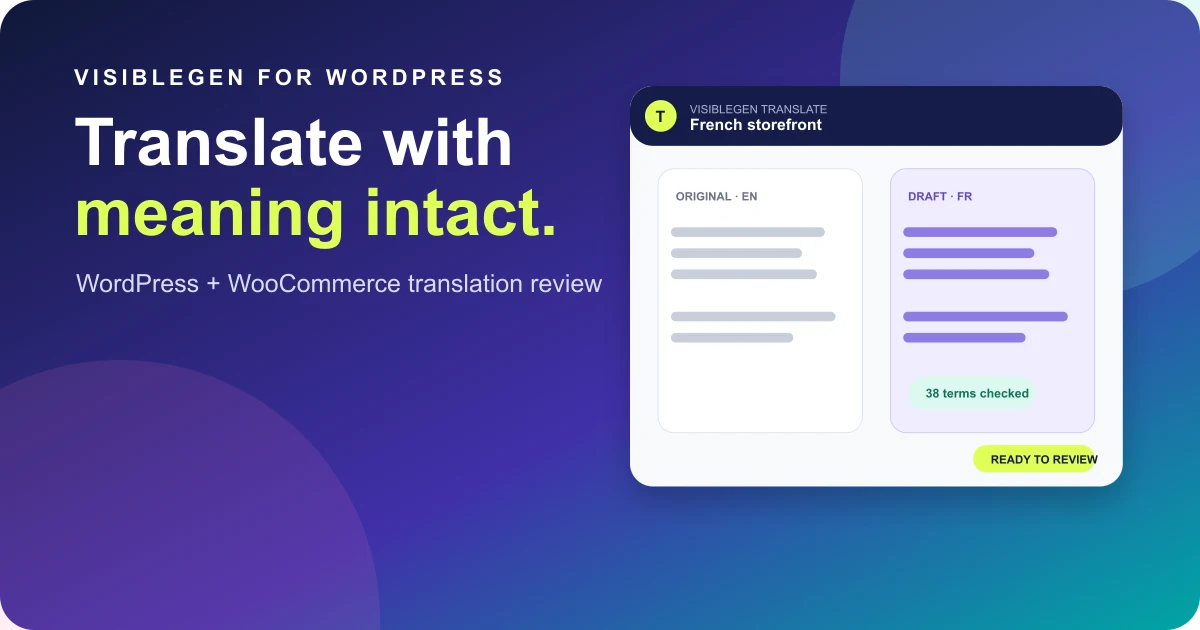
VisibleGen Translate is an early-access preview of a workflow for selecting WordPress and WooCommerce pages, reviewing translated drafts beside the source, and deciding what to publish. If your team is comparing ways to manage the review step, look at the preview with an actual collection and a list of who needs to sign off. You can join the early-access waitlist from the module page.
Take a first step today by choosing one product and following the buying journey as a new customer. Write down every page and message you would need to read in the target language. Put the product, its key buying information, and the checkout path in the same first batch. You will have a sensible scope to share with a reviewer and a much clearer brief when you choose how to translate it.