At the end of every month, someone opens WordPress, checks a few pages, updates the current offer, and sends the client a note. It works smoothly until that person goes on holiday. Their colleague can find last month's email, but it does not say which pages were left alone, how the form was tested, or who approved the new offer. A WordPress playbook turns that private knowledge into a job another person can finish and verify.
A playbook can be a one-page checklist at first. It needs enough detail to make the work repeatable, enough room for the site to change, and a clear point where someone approves the new scope. Use this example to build a WordPress publishing workflow or a recurring maintenance checklist for your own team.
Pick work that is already repeating
List jobs you did more than once in the last few months. Examples include publishing a monthly offer, refreshing service hours, reviewing top product pages, or checking site forms after a change. Choose one with a clear beginning and end and a manageable number of affected pages. A whole site redesign has too many unknowns for a first playbook. A monthly offer refresh is easier to understand and easier to test.
Write what prompts the work and what it should produce. “When the client confirms next month's offer, review and publish it on the agreed pages and verify the booking link” is specific enough for a colleague to start. Define the usual approval owner and who to ask if they are away. Add a rough schedule so the team has time to confirm the offer and check the page before a campaign starts.
Separate the steps from the details that change
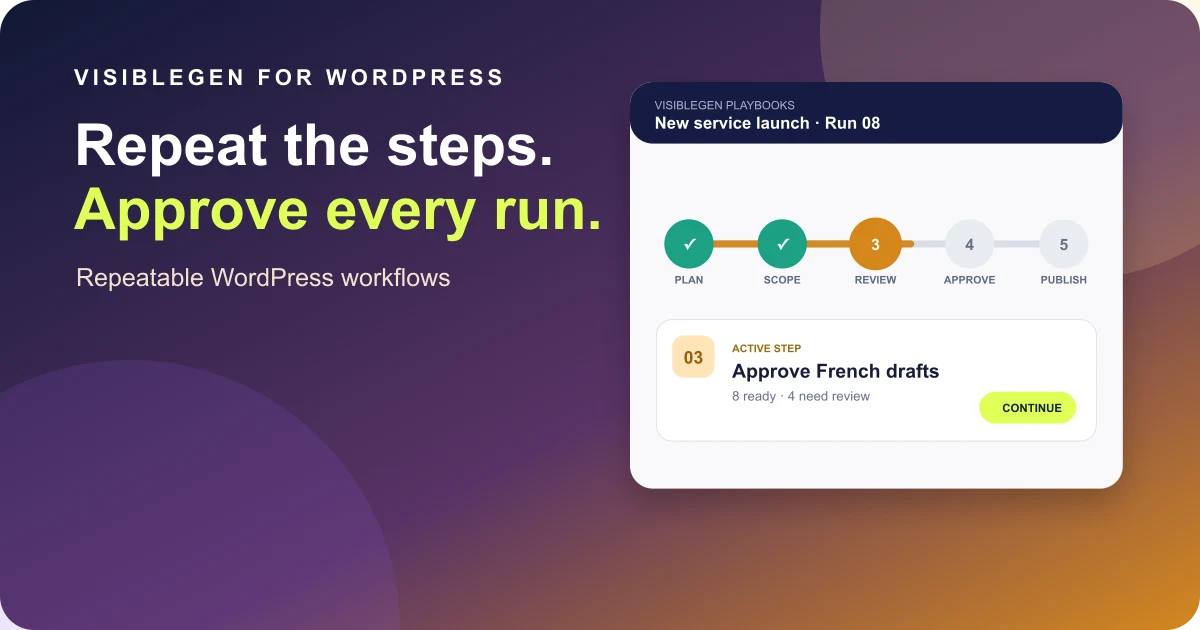
The steps for a monthly offer might be to confirm the terms, list where the offer appears, draft the change, check the main link, seek approval, publish, and verify. The dates, price, eligible products, and page list may change each time. Put them in a short run brief at the top. A colleague should be able to see which offer is under review without reading through last month's notes.
Keep one checklist item per action. Instead of “Update offer everywhere,” use “Update the approved landing page,” “Check the homepage banner,” and “Confirm the booking form shows the same terms.” Note which WordPress blocks or templates are shared. A reusable design pattern and an operational playbook serve different purposes. If you update a synced pattern, its use on other pages can change too. The WordPress guide to Site Editor patterns explains how those patterns are managed.
Review the scope before each run
Imagine an agency reusing its monthly offer playbook for a client with two locations. Last month both locations accepted the same discount. This month only one location is included, and the other still has a dedicated page linked from an old email. If the team carries last month's page list forward without checking, the offer may appear where customers cannot redeem it.
Before a run starts, have the person who owns the offer approve the terms and the pages to touch. Give the team an explicit list of pages to leave alone. Put questions on the run brief and settle them before changes reach the public site. If a new requirement appears halfway through, check the impact and ask the owner to approve the revised scope. This is especially useful when another colleague manages emails or paid ads pointing to those pages.
Give the reviewer a test to run
Write the acceptance checks where the person doing the work can see them. On the location page, the approved price and end date should be visible. On the booking form, the customer should be able to select the right location. On a phone, the main action should be easy to find and use. If an old offer URL still gets visitors, verify what it does after the new promotion starts. Those checks are much more useful than a box marked “QA complete.”
Record which changes went live and when. Save the link to the approved brief and any note that explains an exception. If an issue appears, look for the quickest safe way to correct it. WordPress editor history can help with page copy, while a shared block, redirect, or third-party form may need to be restored in its own settings. Give someone responsibility for confirming the recovery on the public site.
Improve the playbook after someone else uses it
Let a colleague run the next job from the checklist. Ask where they stopped to look for information or had to ask what you meant. Add details to the specific steps that slowed them down. If a form test regularly fails because the team uses an expired sample address, replace that instruction with the current test procedure. Remove tasks that no longer serve a purpose so the checklist stays easy to scan.
Review the work once a few runs are complete. Count late changes, repeated mistakes, and the time people spend looking for approvals. If the same task keeps reopening, give it a clearer test or a named owner. If the team can publish with fewer corrections and a colleague can cover for the usual owner, the playbook is doing useful work. Keep the approval step even when everything else has become familiar.
Give a new teammate a usable run brief
For the next offer, put the client, dates, eligible location, approved pages, main booking link, and approver in one place. Leave a spot for the date and name of the person who checks the live page. If an item depends on another team, include the link to their approved copy or settings. A colleague should be able to see whether they can start work without digging through last month's emails.
Try a short handover with someone who has never run the job. Give them the brief and ask them to point out the first action, the point where they need approval, and the test they will run after publishing. If they cannot answer from the document, add the missing detail where they looked for it. A useful playbook should survive a busy morning when the usual owner is away and the customer expects the offer to go live. Treat that handover as your first test and keep the notes for the next run. Date each revision so people can tell which version the client approved.
Give your next repeat job a home
VisibleGen Playbooks is an early-access preview for saving a workflow, reviewing the scope of each new run, and keeping an approval history. You can visit the module page and join the waitlist if your team has recurring work it wants to organise in one place.
Start with a job you already know well. Copy the steps you followed last time, replace the old dates and page names with fields for the next run, and write down what a reviewer should test before publishing. Give the draft to the colleague most likely to cover for you. If they can tell what to change, who must approve it, and how to verify it without a call, you have a working playbook. The next run is your chance to make it better.